

Photo by Alexas Fotos on Pexels.com I have recently started what I know is called a career pivot. I'm currently working in diesel mechanics and when I look around the shop all I see is middle aged people that are about crippled. I'm just not to exited to turn 35 and not being able to … Continue reading Beginning the Journey
System Memory

August 24, 2020 Photo by Valentine Tanasovich on Pexels.com System memory is like the workbench of the computer. It gives the CPU a place to store and read information very fast. The system memory operates at GHz instead of the MHz that SSDs and HDDs operate at. Volatile memory uses pluses electric current that refreshes … Continue reading System Memory
Displays

Photo by Tranmautritam on Pexels.com Displays are a popular peripheral device. They allow users to see output from the computer. There are many different sizes and types. There are many different ways that we can connect these devices. The connections are key to what is possible with our displays. VGA or video graphics array is … Continue reading Displays
Peripherals
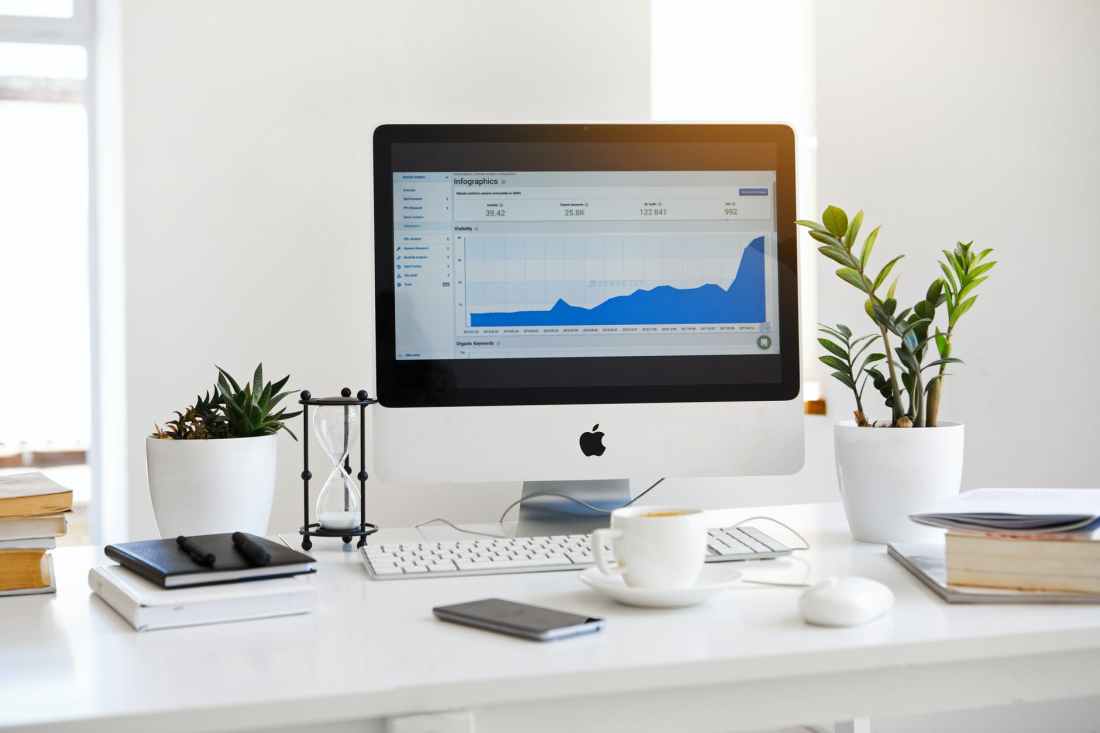
August 17, 2020 Photo by Serpstat on Pexels.com A peripheral is a device that is used to put information into and got information out of the computer. There are three categories: input devices, output devices, and I/O devices. Input devices are devices that allow a user to get information on the computer. The keyboard is … Continue reading Peripherals
Common Computer Connections

Photo by Karolina Grabowska on Pexels.com A computer connection is a physical contact point (interface) that allows a computer and component to transfer data. Analog signals move information in a continuous oscillating wave like a sine wave. Digital signals are binary and are either a one or a zero. The male end of a connection … Continue reading Common Computer Connections
Managing Disks in Windows
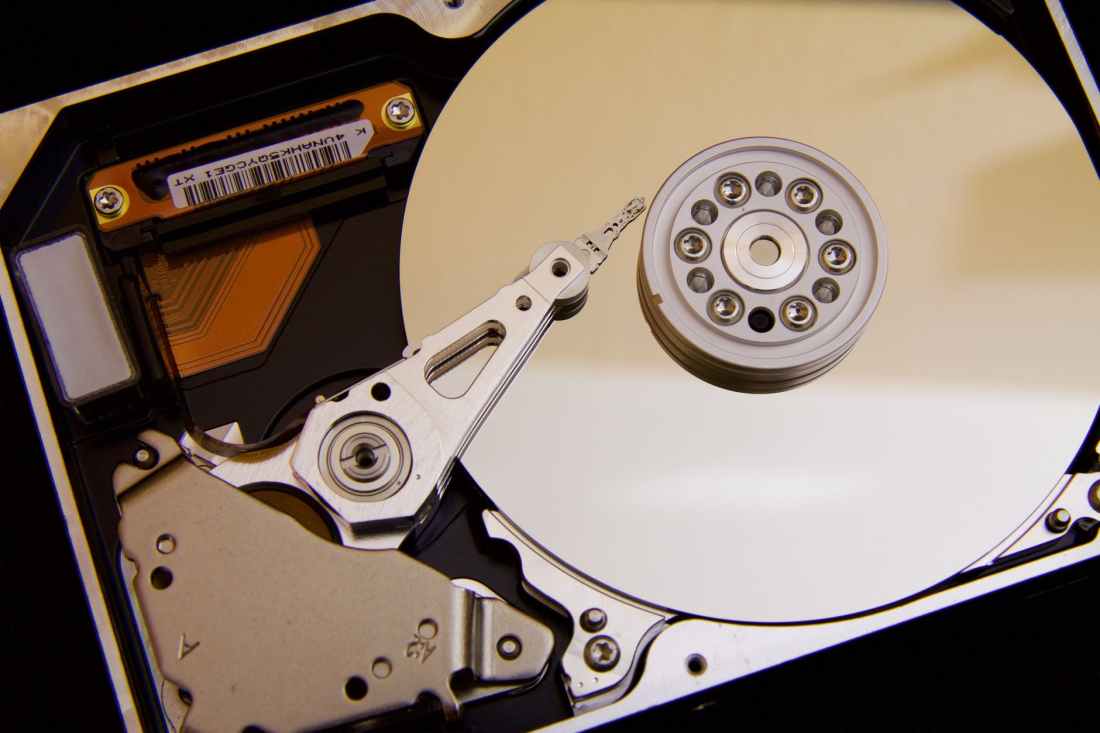
August 7, 2020 Photo by Pixabay on Pexels.com There are two main ways to manage disks in Windows, a program in command prompt called diskpart and disk management in the GUI (graphics user interface). Disks are the actual physical disk inside the hard drive. A drive is what is created when the physical disk is … Continue reading Managing Disks in Windows
Managing Windows Files

August 4th, 2020 Photo by Mike on Pexels.com There are two ways to manage your files in Windows. Some of the things we have to discuss are: The command line interface and the graphical user interface.The file system has rules and a syntax that has to be followed.There are many different ways for a file … Continue reading Managing Windows Files
Troubleshooting Methodology

August 2, 2020 Photo by Andrea Piacquadio from Pexels There are 7 steps in the troubleshooting methodology. Consider corporate policies, procedures, and impacts before implementing changesIdentify the problemEstablish a theory of probable cause (question the obvious)Test the theory to determine the causeEstablish a plan of action to resolve the problem and implement the solutionVerify full system functionality and, … Continue reading Troubleshooting Methodology
 Chris' Tech Blog